
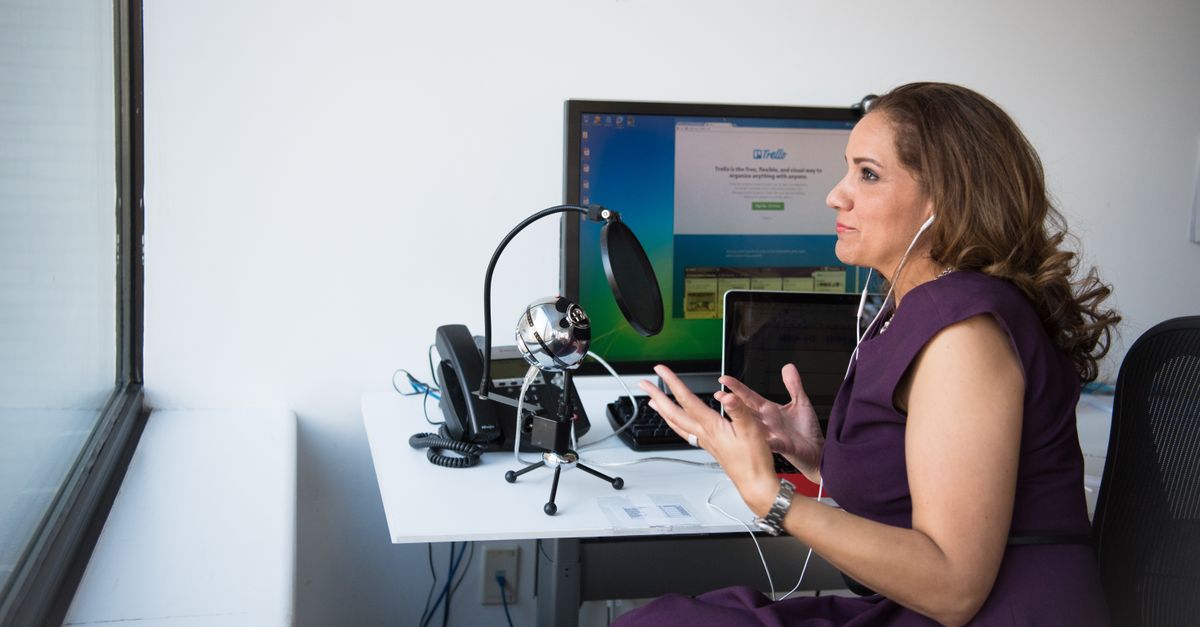
Foto de Christina Morillo no Pexels
How to Transcribe Online Interviews Quickly: A Practical Guide
Learn the most efficient methods to convert your online interviews into text. This guide covers step-by-step workflows, essential tools, and tips to save hours of manual work.

Digital Journalist & Content Strategist
Understanding Online Interview Transcription
Transcribing online interviews is the process of converting spoken dialogue from a digital recording into written text. Whether you are a journalist, a qualitative researcher, or a content creator, having a written record of your conversations is essential for analysis, documentation, and accessibility.
In the past, transcription was a grueling manual task. For every hour of audio, a person would spend four to six hours typing. Today, the landscape has changed. With the rise of AI-driven speech recognition, transcribing online interviews quickly is no longer a luxury—it is a standard workflow. By leveraging modern technology, you can focus on the insights within the conversation rather than the mechanics of typing it out.
Step-by-Step Guide to Transcribing Online Interviews Fast
To achieve the best results in the shortest amount of time, you need a structured approach. Follow these steps to streamline your transcription process from start to finish.
1. Optimize Your Recording Environment
Speed starts before the interview begins. If your audio quality is poor, even the most advanced AI will struggle, forcing you to spend hours correcting errors. Ensure both you and your interviewee are using decent microphones and are in quiet rooms. If you are using platforms like Zoom, Google Meet, or Microsoft Teams, enable high-fidelity audio settings whenever possible.
2. Capture the Audio Correcty
Use a reliable tool to record the session. Most video conferencing software has a built-in recording feature. However, if you want better control, consider using a high-quality screen recorder or a dedicated local recording tool. Always save your files in standard formats like MP3 or WAV for audio, or MP4 for video, as these are most compatible with transcription platforms.
3. Upload to an AI Transcription Service
Once the interview is over, do not start typing. Instead, upload the file to an automated transcription platform. These tools use neural networks to process speech in minutes. This is the single most effective way to save time. While the AI works, you can move on to other tasks, effectively multi-tasking your productivity.
4. Review and Refine the Text
No automated system is 100% perfect, especially with technical jargon or heavy accents. Once the initial transcript is generated, do a quick pass to correct proper nouns, specialized terminology, or speaker identification. Most modern platforms provide an integrated editor where the text is synced to the audio, making this process incredibly fast.
5. Format for Your Specific Needs
Finally, export your transcript into the format you need. If you are writing an article, a plain text file might work. If you are a researcher, you might need time-coded segments or a CSV file for data analysis software. Choosing the right export format immediately saves you from manual copy-pasting later.
Recommended Tools and Platforms
Choosing the right tool is the difference between a 10-minute task and a two-hour headache. While there are several options on the market, they generally fall into three categories.
AI-Powered Transcription Platforms
VoxScriber stands out as a leading solution for those who need speed without sacrificing accuracy. It uses advanced AI models designed to handle various accents and background noise levels. By using VoxScriber, you can upload your interview files and receive a highly accurate draft in a fraction of the time it takes to listen to the audio. It is specifically built for professionals who value their time and need a reliable partner in their content creation or research workflow.
Manual Transcription Software
Tools like Express Scribe or oTranscribe are useful if you insist on typing manually. They provide foot pedal support and keyboard shortcuts to pause and rewind audio. However, these are significantly slower than AI-based solutions and are generally recommended only for highly sensitive data that cannot be processed by cloud-based AI.
Built-in Meeting Assistants
Some platforms offer live transcription during the call. While convenient for real-time accessibility, these transcripts often lack the depth and formatting required for professional use. They are best used as a backup rather than your primary source of documentation.
Common Errors and How to Avoid Them
Even with the best tools, certain mistakes can slow you down. Being aware of these pitfalls will help you maintain a fast and professional workflow.
Over-Editing During the First Pass
One of the biggest time-wasters is trying to make the transcript perfect on the first read-through. Avoid the urge to fix every minor stutter or filler word. Focus on getting the core message right first. You can always do a final polish later if the transcript is intended for publication.
Neglecting Speaker Identification
If you have multiple people in an interview, it can be confusing to figure out who said what after the fact. Always use a transcription service that features automatic speaker diarization. This technology identifies different voices and labels them accordingly, saving you from having to manually tag every paragraph.
Ignoring Audio Quality
As mentioned earlier, "garbage in, garbage out" applies here. If the audio is muffled or there is significant echo, the AI will produce more errors. To avoid this, ask your interviewee to use a headset instead of their laptop's built-in microphone. This simple request can save you hours of editing work later.
FAQ: Frequently Asked Questions
How long does it take to transcribe a 60-minute interview?
With manual typing, it can take 4 to 6 hours. However, using an automated service like VoxScriber, a 60-minute interview can be processed in roughly 10 to 20 minutes, followed by a brief 15-minute review for quality assurance.
Can AI transcribe interviews with multiple speakers?
Yes. Advanced AI transcription tools use a process called speaker diarization to distinguish between different voices. This is particularly useful for panel interviews or focus groups where multiple people are speaking in sequence.
Is it legal to transcribe an online interview?
In most jurisdictions, you must have the consent of all parties involved to record and transcribe a conversation. Always inform your interviewee at the start of the session that you are recording for transcription purposes to ensure you are following ethical and legal guidelines.
What is the best file format for transcription?
For the best balance of quality and file size, MP3 (audio) and MP4 (video) are the industry standards. If you require the highest possible accuracy, uncompressed formats like WAV are preferred, though they result in much larger file sizes.
Conclusion
Transcribing interviews does not have to be a bottleneck in your project. By combining proper recording habits with the power of AI, you can turn hours of spoken word into actionable text in minutes. Ready to speed up your workflow? Try VoxScriber today and experience how easy it is to transform your audio and video into high-quality transcripts effortlessly.
Related tools
About the author
Digital Journalist & Content Strategist
I've worked in digital journalism and content strategy for over nine years, covering technology, media, and the creator economy. Along the way, transcription became one of my essential tools — turning podcast interviews into articles, video content into searchable text, and live meetings into actionable notes.