
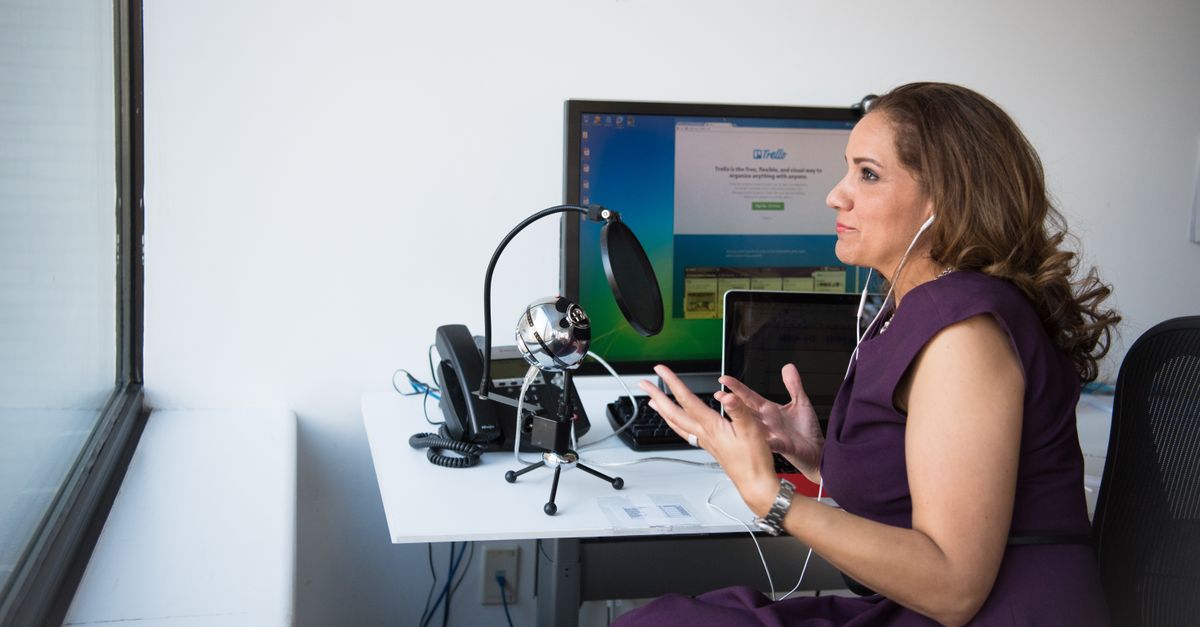
Foto de Christina Morillo no Pexels
How to Transcribe Journalistic Interviews Quickly: A Complete Guide
Learn how to speed up your journalistic workflow by mastering interview transcription. This guide covers automated tools, manual shortcuts, and expert tips for journalists.

Digital Journalist & Content Strategist
The Importance of Speed in Modern Journalism
In the fast-paced world of news and media, timing is everything. Whether you are working on a breaking news story or a long-form investigative piece, the bridge between recording an interview and publishing the article is often the transcription process. Traditionally, this was a tedious task that required hours of manual typing.
However, the digital landscape has shifted. Today, transcribing journalistic interviews quickly is not just a luxury; it is a necessity for maintaining a competitive edge. Speeding up this process allows journalists to focus on what they do best: storytelling, fact-checking, and deep analysis.
What Does Fast Transcription Actually Mean?
Transcribing an interview involves converting spoken language from an audio or video file into written text. Fast transcription doesn't just mean typing quickly. It refers to a streamlined workflow that utilizes technology to handle the heavy lifting while the journalist manages the nuance.
For a journalist, a "fast" transcription is one that provides a searchable, accurate draft within minutes of the interview ending. This allows you to pull quotes instantly and verify facts without scrubbing through hours of raw audio. It is the foundation of an efficient editorial pipeline.
Step-by-Step Guide: How to Transcribe Interviews Rapidly
If you want to reduce your transcription time from hours to minutes, follow this optimized workflow.
1. Optimize Your Recording Environment
The speed of transcription starts before you even hit the record button. If your audio is clear, AI tools can process it with near-perfect accuracy. Use a dedicated microphone whenever possible and minimize background noise. If you are recording remotely, ensure both parties have a stable internet connection to avoid digital artifacts or robotic voices.
2. Choose the Right Transcription Method
You have three main options: manual transcription, outsourcing to a human service, or using AI-powered software. For journalists on a deadline, AI-powered transcription is the gold standard. It provides the best balance of speed and cost-effectiveness. Manual transcription should be reserved for very short clips or highly sensitive material where cloud processing is strictly forbidden.
3. Upload and Automate
Once you have your file, upload it to a professional platform like VoxScriber. The system will process the audio using advanced speech recognition algorithms. While the AI works, you can begin outlining your article or researching additional context. This multitasking is key to a rapid turnaround.
4. The "Power Edit" Strategy
Don't aim for perfection during the first pass. Once the AI generates the text, perform a "Power Edit." Instead of reading every word, use the search function to find specific keywords or quotes you remember from the interview. Correct only the sections you intend to use in your final piece. This targeted approach saves significant time compared to proofreading an entire hour-long transcript.
5. Export and Format
Finally, export your transcript into your preferred format (e.g., Word, PDF, or SRT). Most modern tools allow you to include timestamps and speaker identification, which are invaluable when you need to go back to the source audio for a tone check.
Recommended Tools and Platforms
Choosing the right tool is the most critical decision in your transcription journey. Here are the top recommendations for journalists.
VoxScriber: The All-in-One Solution
VoxScriber is specifically designed to handle the demands of professional media production. It uses state-of-the-art AI to deliver high-accuracy transcripts in record time. For journalists, the platform offers several key advantages:
- Multi-language Support: Perfect for international reporting or multilingual interviews.
- Speaker Diarization: Automatically identifies different speakers, saving you the trouble of labeling quotes manually.
- Security: Your data is handled with professional-grade privacy standards, which is essential for sensitive journalistic sources.
- User-friendly Interface: You don't need to be a tech expert to get results. Simply upload and receive your text.
Digital Voice Recorders
While smartphones are convenient, dedicated digital recorders often provide better file formats and higher bitrates. Brands like Sony or Zoom are favorites among field reporters for capturing crisp audio that is easier for AI to transcribe.
Foot Pedals (For Manual Review)
If you prefer to review every second of your audio manually, a USB foot pedal can help. It allows you to play, pause, and rewind the audio using your feet, keeping your hands free for typing and editing.
Common Pitfalls and How to Avoid Them
Even with the best tools, certain mistakes can slow you down. Here is how to stay on track.
Low-Quality Audio
Nothing kills speed like bad audio. If the AI cannot understand the speaker, you will spend more time fixing errors than you would have spent typing from scratch. Solution: Always use a lapel mic or a high-quality shotgun mic for in-person interviews.
Over-Editing Early On
Many journalists make the mistake of trying to fix every "um" and "uh" in the transcript. Solution: Focus on the content. Unless you are publishing a verbatim transcript for legal reasons, focus on the substance of the quotes and the accuracy of the facts.
Ignoring Speaker Identification
In a group interview, it can be confusing to figure out who said what if the transcript is a wall of text. Solution: Use VoxScriber's speaker identification feature to automatically separate voices, making the editing process much faster.
Forgetting to Fact-Check
AI is powerful, but it can occasionally mishear technical jargon or proper nouns. Solution: Always double-check names, dates, and specialized terminology against your own notes or a secondary source.
Frequently Asked Questions (FAQ)
How long does it take to transcribe a 60-minute interview?
Manually, it typically takes 4 to 6 hours for every hour of audio. With an automated tool like VoxScriber, a 60-minute interview can be transcribed in roughly 10 to 15 minutes, followed by a brief review period.
Can AI transcribe interviews with heavy accents?
Modern AI models are trained on diverse datasets and can handle most common accents with high accuracy. However, very thick accents or heavy background noise may decrease accuracy slightly, requiring a more thorough manual review.
Is it legal to use AI for transcribing sensitive interviews?
Generally, yes, provided you use a secure platform. Check the privacy policy of your chosen service. VoxScriber prioritizes data security, ensuring your recordings and transcripts remain private and are not shared with third parties.
What is the best file format for transcription?
High-quality, uncompressed formats like WAV or FLAC are best for accuracy. However, MP3 files are also widely supported and work well if recorded at a high bitrate (at least 192 kbps).
Conclusion
Mastering the art of fast transcription is a game-changer for any journalist. By combining high-quality recording habits with powerful AI tools, you can reclaim hours of your day and focus on the creative aspects of your profession. If you are ready to streamline your workflow and turn your recordings into text in minutes, give VoxScriber a try today and experience the future of journalistic efficiency.
Related tools
About the author
Digital Journalist & Content Strategist
I've worked in digital journalism and content strategy for over nine years, covering technology, media, and the creator economy. Along the way, transcription became one of my essential tools — turning podcast interviews into articles, video content into searchable text, and live meetings into actionable notes.