
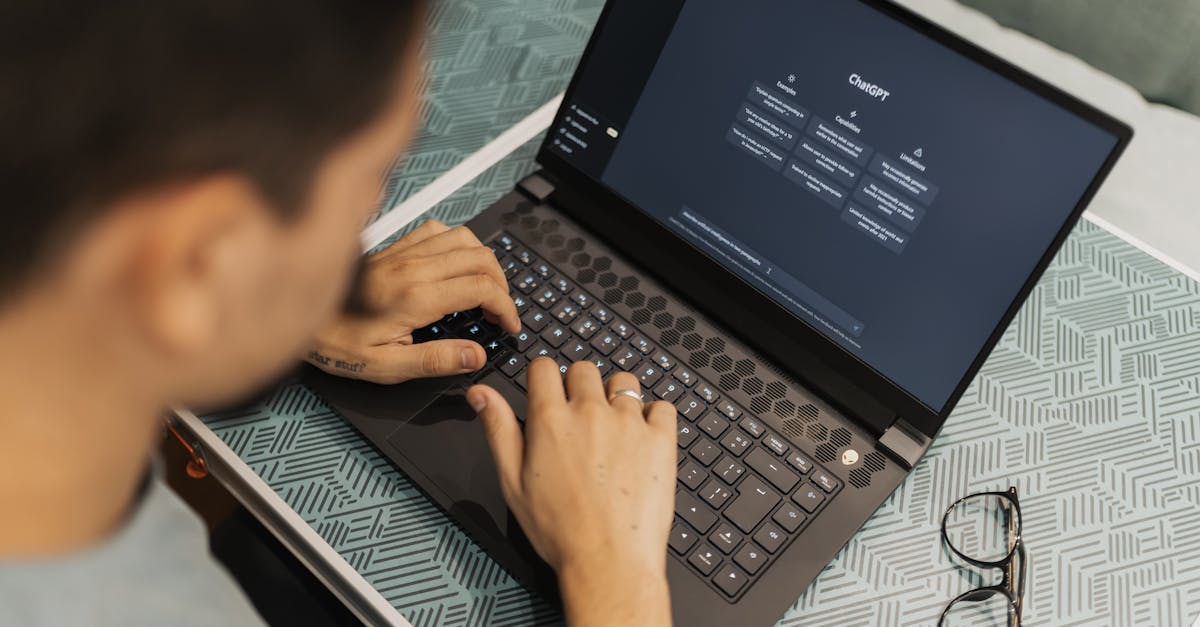
Foto de Matheus Bertelli no Pexels
Getting Started: How to Set Up Your Account and Transcribe with VoxScriber
Ready to streamline your workflow? Learn how to set up your VoxScriber account and generate your first high-accuracy transcription in just a few minutes.

Digital Journalist & Content Strategist
Welcome to the Future of Transcription
In today's fast-paced digital environment, time is your most valuable asset. Whether you are a journalist, a content creator, or a corporate professional, manually transcribing audio or video files is a task that drains your productivity. At VoxScriber, we have designed an AI-powered platform to eliminate that bottleneck, turning hours of tedious work into mere seconds of effort.
This guide will walk you through everything you need to know to get started, from account creation to your very first transcription export. You will quickly see why thousands of users trust our platform for their documentation needs.
Step 1: Creating Your VoxScriber Account
Getting started with VoxScriber is designed to be as frictionless as possible. We believe that your journey toward better productivity should begin with simplicity.
- Visit the Homepage: Navigate to our official website and click the 'Sign Up' button located in the top right corner.
- Choose Your Method: You can sign up using your email address or leverage our quick-login options via Google or LinkedIn. This ensures you can access your dashboard without remembering another complex password.
- Verify Your Email: If you choose the email method, check your inbox for a quick verification link. Clicking this activates your account and grants you immediate access to all our powerful features.
Step 2: Navigating Your Personalized Dashboard
Once you have logged in, you will be greeted by the VoxScriber dashboard. We have intentionally kept the interface clean and intuitive to ensure you spend less time learning the software and more time getting work done.
On the left-hand sidebar, you will find your primary navigation menu. Here, you can view your Transcription History, manage your Subscription Plan, and access your Account Settings. The center of the dashboard is your workspace—a dedicated area where your uploaded files are processed and stored securely.
Step 3: Uploading and Transcribing Your First File
This is where the magic happens. VoxScriber supports a wide range of file formats, including MP3, WAV, MP4, and MOV. Follow these simple steps to start your first transcription:
Initiate the Upload
Click the prominent 'New Transcription' button located in the center of your dashboard. A dialog box will appear, allowing you to drag and drop your file or browse your computer’s local folders to select the media you wish to process.
Select Your Language
Our AI engine supports dozens of languages and dialects. Before you finalize the upload, select the primary language spoken in the recording. This simple step ensures the highest level of accuracy for your transcript.
Let the AI Work
Once the file is uploaded, VoxScriber begins processing immediately. Depending on the length of your file, this usually takes only a fraction of the original audio duration. You can monitor the progress bar, and you will receive an automatic notification as soon as your transcript is ready for review.
Step 4: Editing and Exporting Your Content
Once the transcription is complete, it will appear in your project list. Clicking on the file will open our Interactive Editor. You can listen to the audio while reading the text, making it incredibly easy to correct any specific terminology or names.
When you are satisfied with the result, use the 'Export' button to download your transcript in various formats, such as PDF, DOCX, or SRT (for subtitle files). It is that simple to turn raw audio into professional, shareable content.
Frequently Asked Questions
Q: Is my data secure when I upload it to VoxScriber? A: Yes, we prioritize your data privacy. All files are encrypted during transit and while stored on our secure servers. We do not share your data with third parties.
Q: What is the maximum file size I can upload? A: VoxScriber supports large files, but we recommend keeping individual uploads under 2GB for optimal processing speeds. If you have larger files, our support team can assist you.
Q: Can I transcribe files with multiple speakers? A: Absolutely. Our advanced AI is capable of identifying and labeling different speakers, making your transcript easy to read and follow.
Q: What if I am not happy with the initial transcription accuracy? A: While our AI is highly accurate, you can easily use our built-in editor to make quick adjustments. Our tool is designed specifically to make post-transcription editing effortless. 🚀
Ready to Boost Your Productivity?
Now that you know how to navigate the platform and generate your first transcript, it is time to put VoxScriber to the test. Experience the speed, accuracy, and ease of use that is transforming the way professionals work.
[Visit VoxScriber today to sign up for your free trial and start transcribing in minutes!]
About the author
Digital Journalist & Content Strategist
I've worked in digital journalism and content strategy for over nine years, covering technology, media, and the creator economy. Along the way, transcription became one of my essential tools — turning podcast interviews into articles, video content into searchable text, and live meetings into actionable notes.