
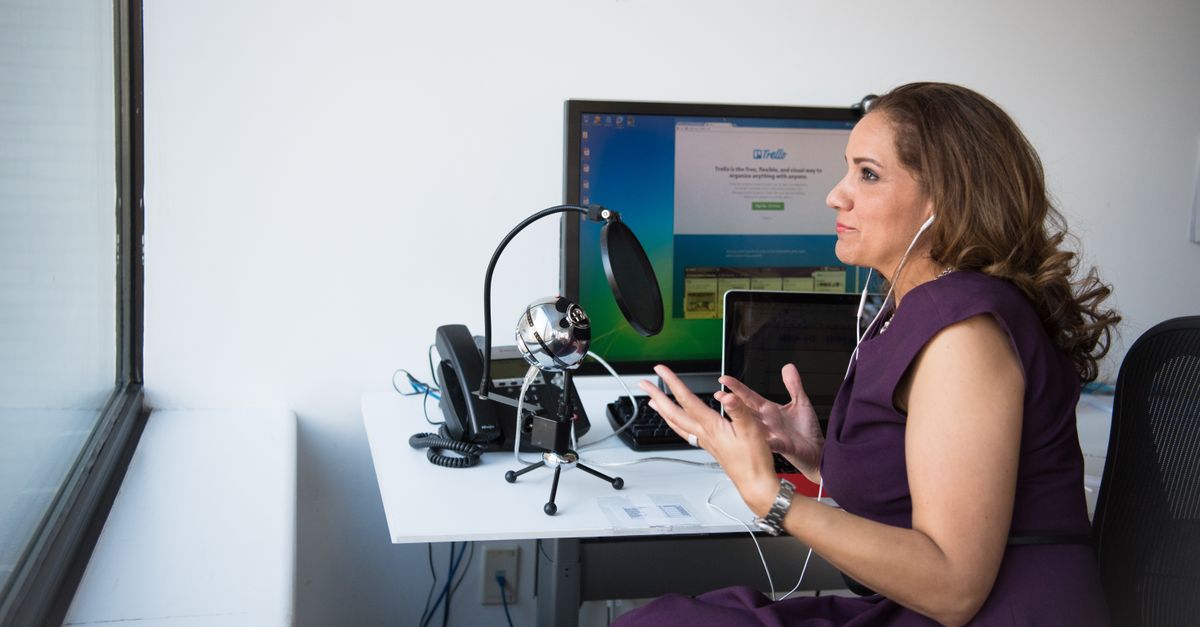
Foto de Christina Morillo no Pexels
How to Transcribe Journalistic Interviews with Artificial Intelligence
Learn how to streamline your journalistic workflow by using AI to transcribe interviews. This guide covers step-by-step processes, essential tools, and tips to ensure maximum accuracy.

Digital Journalist & Content Strategist
The Evolution of Journalism in the Digital Age
For decades, the most tedious part of a journalist's job hasn't been the investigation or the writing—it has been the manual transcription of interviews. Spending three hours transcribing a one-hour recording is a drain on productivity that delays breaking news.
Today, Artificial Intelligence (AI) has transformed this landscape. Transcribing journalistic interviews with AI is no longer a futuristic concept; it is a standard practice for modern newsrooms. By leveraging Speech-to-Text technology, reporters can convert audio to text in minutes, allowing them to focus on what truly matters: storytelling and fact-checking.
Understanding AI Transcription for Journalists
At its core, AI transcription uses neural networks and Natural Language Processing (NLP) to recognize spoken words and convert them into written characters. Unlike the old voice recognition software that required users to "train" the program to their voice, modern AI is trained on massive datasets.
This means it can understand different accents, technical terminology, and even multiple speakers. For a journalist, this means the software can distinguish between the interviewer and the interviewee, automatically labeling the dialogue. This process, known as speaker diarization, is essential for maintaining the context of a conversation.
Step-by-Step: How to Transcribe Your Interviews with AI
Transitioning from manual to automated transcription is straightforward. Follow these steps to ensure you get the best results from your recordings.
1. Record High-Quality Audio
AI is powerful, but it cannot transcribe what it cannot hear. To get the best results, use a dedicated digital recorder or a high-quality smartphone app. If you are recording a remote interview via Zoom or Google Meet, ensure you are recording the local audio for the best clarity.
2. Prepare Your File
Before uploading, ensure your file is in a compatible format such as MP3, WAV, or MP4. If there is significant background noise, you might want to use a simple noise-reduction tool, though modern AI platforms like VoxScriber are increasingly capable of filtering out ambient sounds automatically.
3. Upload to an AI Platform
Once your file is ready, upload it to your chosen AI transcription service. Most platforms will ask you to select the language of the audio. Selecting the correct language and dialect (e.g., Brazilian Portuguese vs. European Portuguese) significantly increases the accuracy of the final output.
4. Review and Refine
No AI is 100% perfect, especially when it comes to proper nouns, niche slang, or heavy accents. Once the transcription is generated, do a quick pass to correct names of people or locations. Most professional tools offer an integrated text editor that syncs the audio with the text, making this process incredibly fast.
5. Export and Format
Finally, export your transcript into your preferred format, such as Word, PDF, or SRT (if you are working on a video piece). You can then use the text to pull quotes or create a full-length article.
Recommended Tools: Why VoxScriber is the Professional Choice
While there are several tools on the market, journalists need a balance of speed, accuracy, and security. VoxScriber stands out as a premier solution for media professionals.
Our platform uses advanced AI models specifically tuned for high-stakes environments. VoxScriber offers high-speed processing, meaning a 30-minute interview can be ready in less than five minutes. Furthermore, our interface is designed for accessibility, ensuring that you don't need to be a tech expert to get professional results.
Other tools like Otter.ai or Rev are common, but VoxScriber focuses on providing a clean, distraction-free environment with robust data privacy—a critical factor for journalists handling sensitive or off-the-record information.
Common Mistakes and How to Avoid Them
Even with the best technology, certain pitfalls can slow you down. Here is how to avoid the most common errors in AI transcription.
Ignoring the Quality of the Original Recording
Many journalists expect AI to fix a recording made in a windy park or a noisy cafe. While AI is improving, "garbage in, garbage out" still applies. Always try to find a quiet environment for your interviews.
Relying Blindly on the Output
Never publish a quote directly from an AI transcript without double-checking the audio. AI can occasionally mishear a word that changes the entire meaning of a sentence. For example, it might confuse "can" with "can't," which could lead to a libel or defamation issue in a news story.
Not Using Speaker Labels
If you have three people in an interview, failing to use a tool with speaker diarization will result in a wall of text that is hard to navigate. Ensure your settings are adjusted to recognize different voices from the start.
Expert Tips for Journalistic Accuracy
To truly master AI transcription, consider these professional tips:
- Use a Glossary: Some platforms allow you to upload a list of names and technical terms before transcribing to improve recognition.
- Timestamping: Ensure your tool provides timestamps. This allows you to quickly jump back to the audio for a specific quote when you are writing your final draft.
- Secure Your Data: Always check the privacy policy of your transcription tool. Journalists often handle confidential information, so ensure your provider doesn't use your data to train their public models.
FAQ: Common Questions About AI Transcription
Can AI transcribe interviews in multiple languages?
Yes, modern AI platforms like VoxScriber support dozens of languages and can even detect when a speaker switches between languages mid-conversation.
How long does it take to transcribe an hour of audio?
Typically, an AI-powered tool can transcribe an hour of audio in 5 to 10 minutes, depending on the server speed and the complexity of the audio.
Is AI transcription accurate enough for legal or medical journalism?
AI is highly accurate (often above 95%), but for specialized fields like law or medicine, a human review is always recommended to ensure that technical terminology is captured correctly.
Is my data safe with AI transcription services?
Security depends on the provider. Professional platforms prioritize encryption and data privacy. Always choose a service that explicitly states they do not sell your data or use it for external purposes.
Conclusion
Embracing AI for interview transcription is a game-changer for journalists. It eliminates the heavy lifting of typing, reduces the time-to-publish, and allows for a more organized archive of research. By following the right steps and using reliable tools like VoxScriber, you can turn hours of work into minutes of review. 🎙️
Ready to speed up your workflow? Experience the accuracy and speed of VoxScriber for your next interview and see the difference that professional AI transcription can make.
Related tools
About the author
Digital Journalist & Content Strategist
I've worked in digital journalism and content strategy for over nine years, covering technology, media, and the creator economy. Along the way, transcription became one of my essential tools — turning podcast interviews into articles, video content into searchable text, and live meetings into actionable notes.