
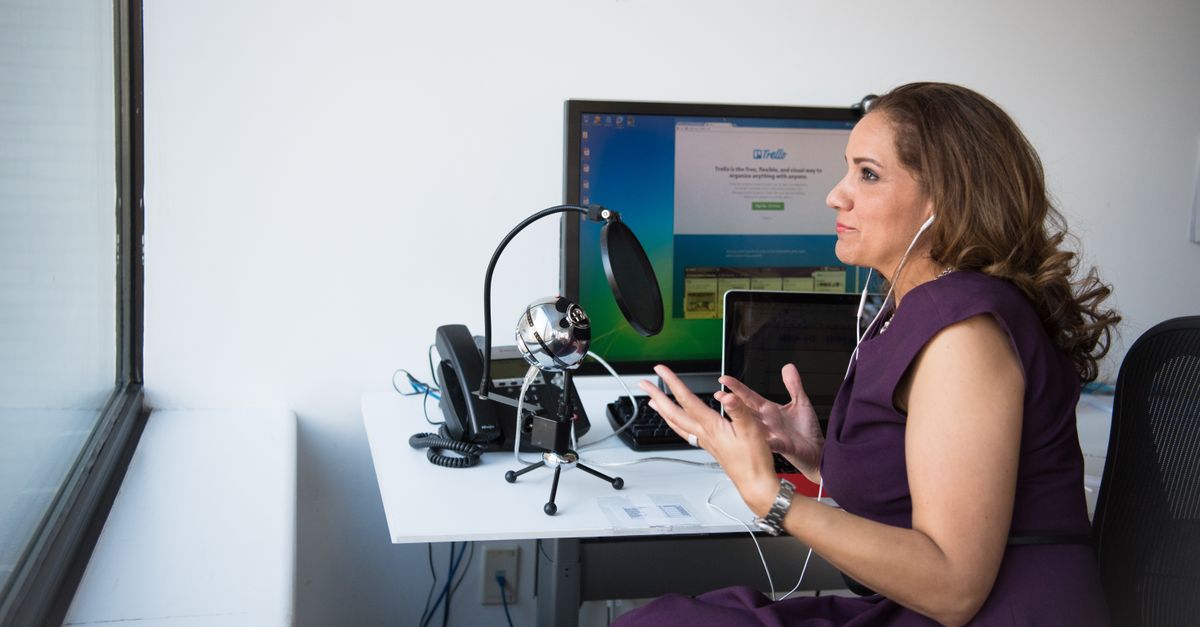
Foto de Christina Morillo no Pexels
How to Transcribe Research Interviews with AI: A Comprehensive Guide
Learn how to leverage AI to speed up your qualitative research. This guide covers the step-by-step process of transcribing interviews with high accuracy while maintaining data integrity.

Qualitative Research Specialist
Introduction to AI Transcription for Qualitative Research
Qualitative research relies heavily on the depth of information captured during interviews. Traditionally, researchers spent hours—sometimes days—manually transcribing these conversations. This manual process is not only time-consuming but also prone to human fatigue, which can lead to errors in the final transcript.
AI transcription has transformed this workflow. By using Artificial Intelligence and Natural Language Processing (NLP), software can now convert spoken language into written text in a fraction of the time it takes a human. For researchers, this means moving from data collection to data analysis much faster, allowing for more agile study cycles.
How AI Transcription Works for Researchers
At its core, AI transcription uses sophisticated algorithms to recognize phonemes, words, and sentence structures. In the context of research, these tools do more than just write down words; they can often distinguish between different speakers and handle various accents.
When you upload an audio file to a platform like VoxScriber, the AI analyzes the acoustic patterns and matches them against a massive database of linguistic models. The result is a text file that serves as a primary source for thematic analysis, coding, and reporting.
Step-by-Step Guide: Transcribing Your Interviews with AI
Transitioning to an AI-driven workflow is straightforward if you follow a structured approach. Here is how you can ensure the best results for your research project.
1. Prepare High-Quality Audio
The accuracy of AI transcription is directly linked to the quality of the input. Use a dedicated microphone rather than a built-in laptop mic whenever possible. Ensure the environment is quiet and ask participants to speak clearly without overlapping with the interviewer.
2. Choose the Right AI Platform
Not all transcription tools are created equal. For research, you need a platform that prioritizes data security and accuracy. VoxScriber is designed to handle complex terminology and multiple speakers, making it an ideal choice for academic and corporate researchers alike.
3. Upload and Configure
Once you have your audio file (MP3, WAV, or MP4), upload it to the platform. Most AI tools allow you to select the language and the number of speakers. Specifying these details helps the AI engine narrow down its linguistic parameters, resulting in higher precision.
4. Review and Refine
No AI is 100% perfect, especially if there is technical jargon or heavy background noise. Spend a few minutes reviewing the generated text. Most professional platforms provide an integrated editor where you can listen to the audio while correcting the text simultaneously.
5. Export for Analysis
After refining the text, export your transcript in your preferred format, such as .docx, .txt, or .srt. These files can then be imported into qualitative data analysis software (QDAS) like NVivo or ATLAS.ti for coding.
Recommended Tools and Platforms
While there are several options on the market, choosing the right tool depends on your specific needs for accuracy and ease of use.
VoxScriber
VoxScriber stands out as a premier solution for researchers. It offers high-speed processing without sacrificing the nuances of human speech. The platform is built with a user-friendly interface that allows researchers to manage multiple projects easily. Furthermore, it supports a wide range of languages, ensuring global research projects are handled with ease.
Other Options
Other tools include general-purpose transcription apps and built-in features in video conferencing software. However, these often lack the specialized editing tools and security protocols required for sensitive research data.
Common Errors and How to Avoid Them
Even with the best technology, certain pitfalls can hinder your transcription quality. Awareness of these common mistakes will save you time in the long run.
Ignoring Ambient Noise
Background noise, such as a humming air conditioner or coffee shop chatter, can confuse AI algorithms. The Fix: Use noise-canceling software or record in a controlled, indoor environment to provide the cleanest audio possible.
Overlapping Speech
When two people speak at once, the AI may struggle to assign the text to the correct speaker. The Fix: As an interviewer, practice active listening. Wait for the participant to finish their thought completely before responding or asking the next question.
Neglecting the Glossary
If your research involves highly technical or niche terminology, the AI might misinterpret specific words. The Fix: Some advanced platforms allow you to upload a custom vocabulary or glossary to guide the AI's recognition patterns.
Forgetting Data Privacy
Research interviews often contain sensitive personal information. Using free, unencrypted tools can put your data at risk. The Fix: Always use a professional service like VoxScriber that employs encryption and follows strict data protection standards.
Frequently Asked Questions (FAQ)
How accurate is AI transcription for research?
AI transcription typically reaches between 85% and 98% accuracy depending on audio quality. While it is incredibly efficient, we always recommend a final human review to ensure that the context and specific terminology are perfectly captured.
Can AI distinguish between multiple speakers?
Yes, this process is known as speaker diarization. Most advanced AI tools can identify when a different person starts speaking and will label the transcript accordingly, which is essential for analyzing interview dynamics.
How long does it take to transcribe an hour of audio?
With manual transcription, an hour of audio can take 4 to 6 hours to type. With VoxScriber, an hour of audio is typically processed in less than 10 minutes, allowing you to start your analysis almost immediately.
Is it safe to upload confidential interview data to the cloud?
Security is a priority for professional transcription services. Look for platforms that offer end-to-end encryption and have clear privacy policies regarding how your data is stored and who has access to it.
Conclusion
Transcribing research interviews no longer needs to be a bottleneck in your project. By integrating AI into your workflow, you can focus your energy on what truly matters: deriving insights and telling the story behind the data. If you are looking for a reliable, fast, and secure way to handle your next set of interviews, consider trying VoxScriber to experience the future of research transcription.
Related tools
About the author
Qualitative Research Specialist
I hold a PhD in Communication Studies and have spent the past decade designing and conducting qualitative research — from academic interviews to large-scale focus group studies. Transcription has always been one of the most time-consuming steps in my workflow, and the rise of AI-powered tools has changed that completely.