
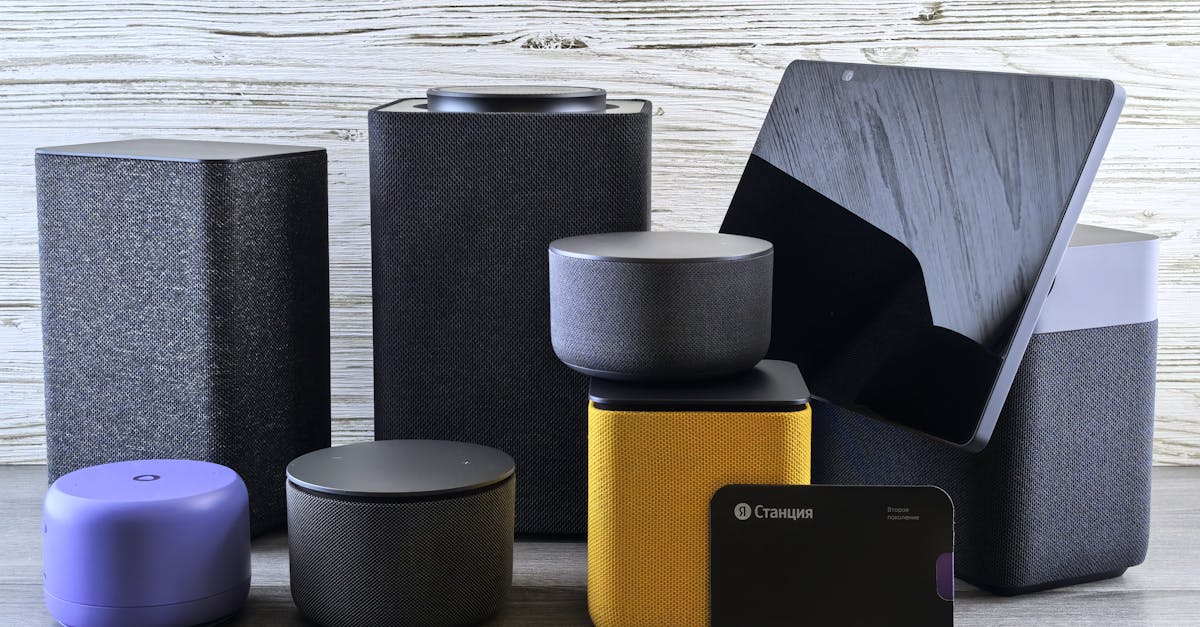
Foto de Andrey Matveev no Pexels
Voice Assistants and Transcription: How AI Transforms Speech into Text
Discover how voice assistants like Alexa, Siri, and Google Assistant utilize speech-to-text technology and how this evolution is shaping the future of transcription.

Digital Journalist & Content Strategist
The Evolution of Voice Assistants and Speech-to-Text
For many of us, interacting with a voice assistant has become a seamless part of daily life. Whether you are asking Siri to set a timer, telling Google Assistant to play a playlist, or using Alexa to control your smart home, you are engaging with sophisticated speech-to-text technology. But have you ever wondered what happens behind the scenes when you speak to these devices?
At its core, the technology driving these assistants is built on Automatic Speech Recognition (ASR). This process involves converting spoken language into digital text, which the AI then analyzes to understand your intent. While we often take this for granted, the journey from raw audio to actionable data is a complex feat of engineering that has evolved significantly over the last decade.
How Assistants Process Your Commands
When you trigger an assistant with a wake word, your device records your voice and sends the audio file to a server. Here, the AI performs a series of complex operations to decipher what you said. It breaks down the audio into smaller units called phonemes, matches them against vast linguistic databases, and uses machine learning models to identify patterns and context.
Command Recognition vs. Long-Form Transcription
It is important to distinguish between simple command recognition and full-scale transcription. Voice assistants are primarily optimized for short, intent-based commands—like "What is the weather?" or "Turn on the lights." These are designed to be fast, low-latency, and highly accurate for specific, predefined actions.
In contrast, professional transcription requires the ability to handle long-form audio, varying dialects, overlapping speakers, and complex terminology. While voice assistants are getting better at dictation, they are often limited in their ability to handle large-scale, multi-speaker meetings. This is where specialized platforms like VoxScriber bridge the gap, providing the precision needed for professional-grade documentation.
The Pioneers: Alexa, Siri, Google, and the Legacy of Cortana
The landscape of voice assistants has been shaped by heavy hitters in the tech industry. Apple’s Siri, introduced in 2011, set the stage for mainstream adoption. Google Assistant followed, leveraging Google’s massive search index to provide highly accurate, context-aware answers. Amazon’s Alexa brought voice control into the home, making it an essential part of the modern smart ecosystem.
While Microsoft’s Cortana was a pioneer in integrating voice into the desktop environment, it eventually pivoted to focus on enterprise productivity. The lessons learned from these platforms have pushed the industry toward better natural language processing (NLP), allowing these systems to understand nuances, sentiment, and intent far better than their predecessors.
The Battle of Processing: Local vs. Cloud
One of the most significant shifts in voice technology is the move toward edge computing. Historically, all processing was done in the cloud. Your voice was uploaded to a server, processed, and the result sent back. This approach requires a stable internet connection and raises valid concerns about latency.
Modern devices are increasingly capable of processing voice commands locally on the device’s own hardware. This shift offers several advantages:
- Reduced Latency: Responses are faster because the data doesn't need to travel to a server.
- Enhanced Privacy: Sensitive audio data never leaves your device.
- Reliability: The assistant works even without a stable internet connection.
Privacy and Data Security in the Voice Era
As our reliance on assistants de voz IA grows, so does the conversation around privacy. Users are rightly concerned about how their voice data is stored and used. Leading tech companies have implemented stricter controls, allowing users to review and delete their voice history, or even opt out of having their audio stored for quality improvement purposes.
Transparency is key. When choosing tools for your professional transcription needs, it is vital to prioritize platforms that maintain rigorous data encryption and privacy standards. Your data is your property, and it should be treated with the highest level of security.
The Future: Convergence with Professional Transcription
We are currently witnessing a convergence of consumer voice technology and professional transcription services. As AI models become more adept at understanding context, the line between a quick voice memo and a formal meeting transcript is blurring. We expect to see more integration where voice assistants can seamlessly transition from managing your calendar to transcribing your board meetings with high accuracy.
For professionals, this means higher productivity. Instead of spending hours manually typing out notes, AI-driven tools can provide a draft in seconds, allowing you to focus on the content rather than the transcription process itself.
Frequently Asked Questions
Q: How do voice assistants differentiate between background noise and my voice? A: They use a combination of microphone array technology (multiple microphones) and sophisticated noise-cancellation algorithms that filter out ambient sounds to isolate the human voice profile.
Q: Can Alexa or Google Assistant replace professional transcription services? A: While they are great for simple tasks, they often struggle with long-form audio, technical vocabulary, and multi-speaker identification. For professional or academic work, specialized transcription tools are recommended.
Q: Is my voice data always being recorded? A: Most assistants only begin recording after the "wake word" is detected. However, users should always check their privacy settings to see what data is being stored and how it is managed.
Q: Why does my assistant sometimes misunderstand me? A: Misunderstandings often occur due to accents, background noise, or ambiguous phrasing. AI models are constantly being updated to handle these variations more effectively.
Conclusion
Voice technology is transforming how we interact with the digital world. Whether you are automating your home or looking for ways to streamline your documentation, understanding the power of reconhecimento de voz is essential. If you are ready to take your productivity to the next level with accurate, secure, and fast transcription, explore the professional tools offered by VoxScriber today.
About the author
Digital Journalist & Content Strategist
I've worked in digital journalism and content strategy for over nine years, covering technology, media, and the creator economy. Along the way, transcription became one of my essential tools — turning podcast interviews into articles, video content into searchable text, and live meetings into actionable notes.